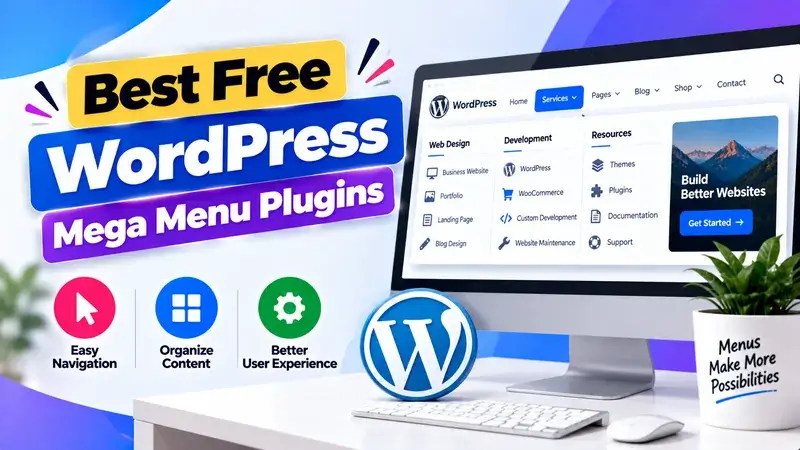
Hey, are you looking for the best free WordPress mega menu plugins? If so, then you are in the right place. This blog lists the top free WordPress mega menu plugins for designing your website and blog.
You can add a Q&A section to your landing pages. This helps solve visitors’ doubts and improves your website design. To do that, you can use the best free FAQ plugins for WordPress websites and blogs.
So, without wasting more time, let’s start.
1. Max Mega Menu
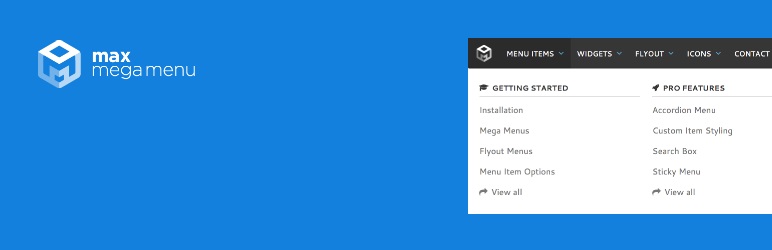
Max Mega Menu is one of the most popular and advanced mega menu plugins for WordPress websites and blogs. This plugin automatically converts your website or blog menu into a mega menu.
This plugin helps you easily create and manage your perfect mega menu. It is 100% responsive and looks great on all mobile devices. This plugin allows you to create your submenus in a row and column layout.
It allows you to customize the appearance of your menus using a built-in theme editor. The Max Mega Menu plugin offers important features. You can add icons to menu items. This is like using free PSD icon sets for a better look. It supports flyout and sub-menu styles. You can also align menu items to the left or right of the menu bar. This gives you better control over the layout.
2. Responsive Menu
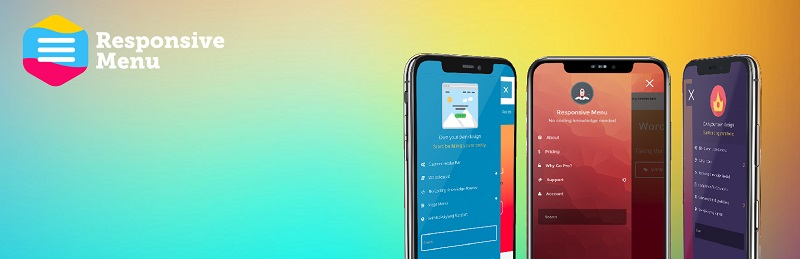
Try this customizable and responsive menu plugin for your WordPress blog or website. It’s easy to use!
This plugin comes with over 150 customization options. To create an awesome menu from this plugin, you don’t have to be good at coding.
This plugin has many great features. Users can customize fonts, font size, and text. They can also disable and reorder different components.
The responsive menu supports RTL. This lets you select custom menu triggers. This plugin also allows you to import and export items with a single click.
3. Advanced Sidebar Menu

The Advanced Sidebar menu is a powerful WordPress plugin. It’s easy to use for both sites and blogs. With the help of this plugin, you can easily create a menu for your WordPress websites and blogs.
The Advanced Sidebar menu displays the links between your site’s categories and pages. It shows which links are parents and which are children. This helps create great menus for your WordPress site and blog.
This plugin comes in both free and premium versions. With the free version, you get many great features. You can choose to show or hide the highest-level parent page or category. It also lets you sort pages by date and title.
You can use this plugin to exclude pages and categories. Just enter a list of IDs, separated by commas. It also gives you the option to always display child pages and categories.
4. QuadMenu
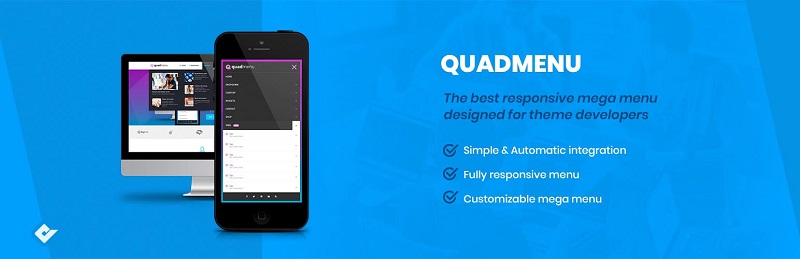
If you are looking for a highly customizable and responsive menu plugin, this is it. This plugin allows you to easily integrate the menu into your theme.
This plugin makes it easy to create mega menus, carousel menus, and tab menus. It is 100% responsive, which means it will look good on all mobile devices.
This plugin offers key features for creating mega menus. You can use a drag-and-drop admin builder. It also lets you display WordPress widgets in the menu. Plus, you can show or hide items based on screen size.
FAQ’s
1. What is a mega menu WordPress?
Mega Menu is a free WordPress tool. It helps you build mega navigation menus for your website. It enables you to showcase various categories, links, and content of a single menu. This improves site navigation. Visitors can quickly and easily reach important pages.
2. What is the reason why I need an additional mega menu on my site?
Mega menu extensions improve user experience. They show content clearly and make navigation easier. They reduce confusion, help users explore more pages, and improve overall site usability. This is key to improving user experience on e-commerce sites. It boosts traffic, reduces bounce rates, and enhances SEO performance.
3. Are free mega menu plugins good enough for professional websites?
Yes, using a free mega menu comes with many benefits. It offers features like customization, responsiveness, and drag-and-drop functionality. These tools are great for blogs and websites. They function like top free page builder plugins for WordPress. This makes it simple to create professional designs. You can upgrade later. The free version is usually strong enough to create a polished, functional menu.
4. Am I able to design my mega menu easily?
Most mega menu extensions are highly customizable. You can adjust colors, fonts, layouts, and menu styles to match your website design. Many plugins let you add icons, images, and widgets. This helps create a user-friendly navigation system. It works like free Android navigation apps. They have simple, easy-to-use interfaces for a smooth experience.
5. Are mega menu extensions mobile compatible?
Yes, most modern mega menu plugins work well on mobile devices. They work well on mobile devices and different platforms. They adjust layouts for smaller screens, so navigation is smooth. This better user experience helps visitors. It also boosts your blog posts’ Google rank. Plus, it improves mobile SEO performance.
Conclusion
So, that’s all from this blog. I hope you enjoyed the list of the best free WordPress mega menu plugins. If you liked this article, then don’t forget to share it with your friends and Twitter followers.
If you have any confusion related to this blog, please ask in the comments section below.