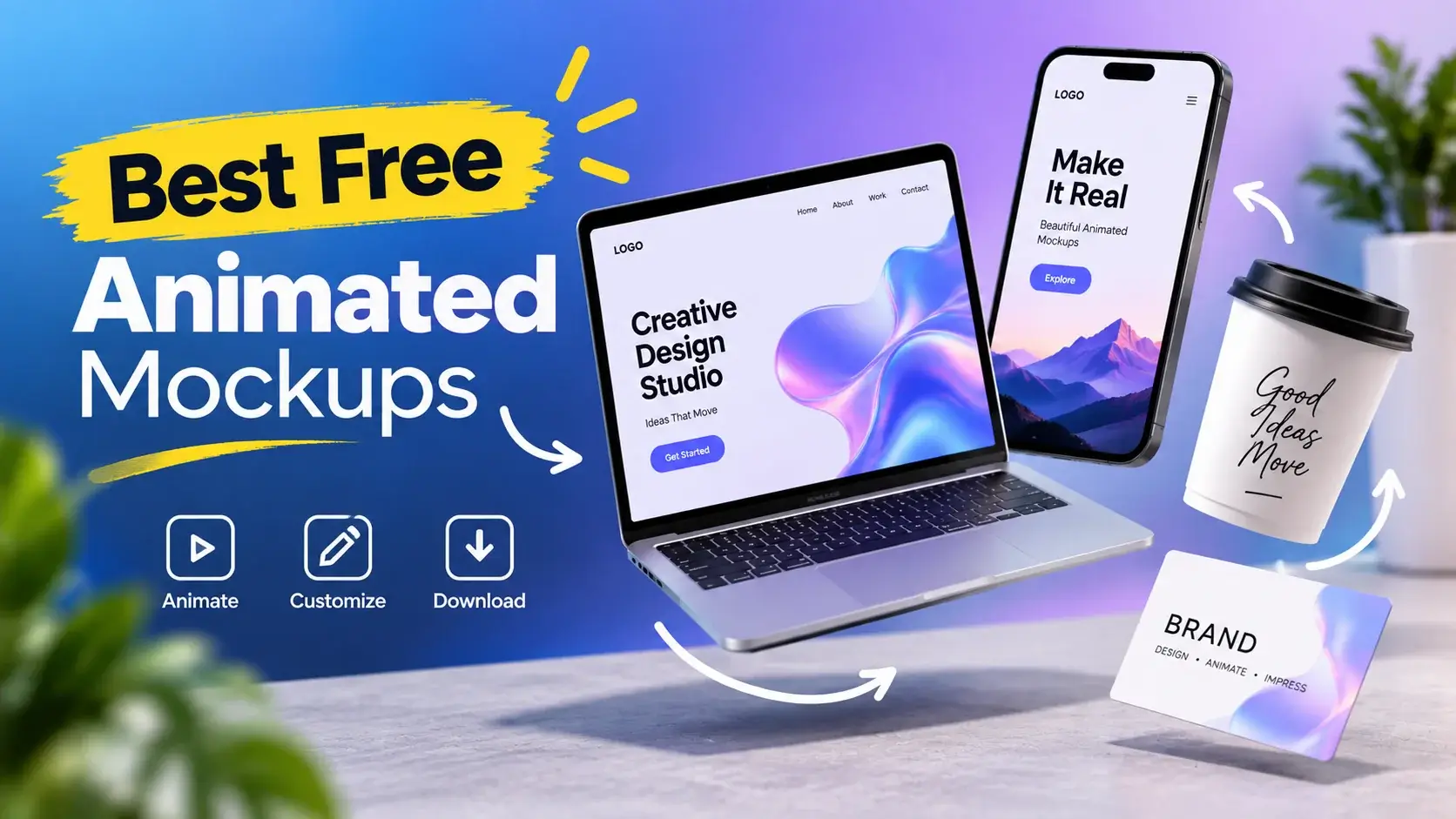
Are you looking for free animated mockups that you can easily insert your design into? Here is the right place for you. In this article, we are going to round up the 7 best free animated mockups. Animated mockups are super important for designers, marketers, app developers, and branding folks. Unlike regular still images, animated mockups show movement, transitions, and interactions. They’re great for mobile apps, website designs, smartwatch interfaces, and other digital products.
They grab attention and boost engagement way better than static stuff. Also, you can find many free, high-quality animated mockups in PSD format. You can easily tweak them and export them as GIFs or videos. These assets are great for presentations, portfolios, or social media. Here are the top free animated mockups that you need to try right away! You can download the best free animated mockups for your next project.
Animated iMac Pro

An awesome freebie by Anthony Boyd: an animated iMac Pro mockup, exportable as GIF or MP4. PSD with smart object measuring 2000 x 1500 px.
| Feature | Specification |
|---|---|
| Template Type | Free High-Quality PSD Mockup Collection |
| Design Style | Minimalist, Clean & Modern Presentation Design |
| Mockup Categories | Smartphones, Laptops, Posters, Packaging, Business Cards, Magazines & More |
| File Format | Editable Photoshop PSD Files with Smart Object Support |
| Best For | UI/UX Designers, Branding Projects, Product Showcases, Portfolio Presentations & Marketing Materials |
Animated iPhone 7

A looped, animated mockup of a jet-black iPhone 7. PSD file (export as GIF) measuring 1920 x 1280 px with a smart layer.
| Feature | Specification |
|---|---|
| Template Type | Premium Animated PSD Mockup Template |
| Design Style | Modern, Creative & Professional Motion-Based Design |
| File Format | Fully Editable Photoshop PSD Files with Smart Objects |
| Key Features | Animated Effects, High-Resolution Graphics, Easy Design Replacement & GIF Export Support |
| Best For | Branding Presentations, UI/UX Showcases, Social Media Marketing, Product Promotions & Portfolio Projects |
Animated iPad Pro

Yet another animated mockup: Save your PSD as a GIF and start showcasing your designs. This is a layered PSD file measuring 1920 x 1080 px. You can change the content by using the smart object.
| Feature | Specification |
|---|---|
| Template Type | Premium PSD Website Template |
| Design Style | Clean, Modern & Professional User Interface |
| File Format | Fully Layered Adobe Photoshop (.PSD) Files |
| Customization | Easy-to-Edit Layers, Colors, Typography & Graphics |
| Best For | Business Websites, Landing Pages, Startups, Agencies & Creative Projects |
Animated black iPhone

Yet another animated PSD-to-GIF mockup! Paste your designs using the smart object and save them as a GIF file. Size: 800 x 600 px.
| Feature | Specification |
|---|---|
| Template Type | Premium Website/UI Template for Digital Product Showcases |
| Design Style | Modern, Clean & Professional User Interface |
| File Format | Fully Editable Design Source Files |
| Key Features | Responsive Layout, Organized Sections & Easy Customization |
| Best For | Digital Products, Portfolios, Landing Pages, Online Stores & Creative Projects |
Animated Apple Watch

Awesomely animated mockup of an Apple Watch that you can create using Photoshop only. The PSD file measures 1600 x 1200 px.
| Feature | Specification |
|---|---|
| Template Type | Free Apple Watch Matte Mockup PSD Template |
| Design Style | Matte Finish, Minimalist & Premium Apple Watch Presentation |
| File Format | Fully Editable Photoshop PSD with Smart Object Support |
| Mockup Usage | Showcase Watch Apps, UI/UX Designs, Watch Faces & Branding Projects |
| Best For | App Designers, UI/UX Professionals, Product Presentations & Portfolio Showcases |
Animated (PSD to GIF) iPhone

Two mockups show the iPhone in a moving way! Use the PSD smart layers as always, and then export the result as an animated GIF.
| Feature | Specification |
|---|---|
| Template Type | Free Animated PSD-to-GIF iPhone Mockup Set |
| Design Style | Clean, Modern & Dynamic Animated Device Presentation |
| Animation Support | Export Designs as Animated GIF Files for Interactive Showcases |
| Customization | Smart Object Layers for Quick and Easy Screen Replacement |
| Best For | Mobile App Presentations, UI/UX Design, Website Demos, Product Marketing & Portfolio Showcases |
Frequently Asked Questions
1. What are free animated mockups, and how can they improve product presentations?
Free animated mockups are editable templates. They display websites, apps, and digital products with eye-catching motion effects. They add movement to presentations. This makes them more captivating and realistic than static designs. They grab attention. They communicate ideas better. They also create a professional impression for clients. Freelancers and agencies can boost their presentations using free WordPress client plugins for animated mockups. They help clients visualize the final product and see its value.
2. Can I customize animated mockup templates to showcase my branding, packaging, or digital designs?
Most animated mockup templates have smart object layers for easy customization. Replace the placeholder graphics with your own items. You can use your branding, logos, designs, or promo materials. Designers and businesses can easily create custom presentations. They don’t need advanced animation skills or expensive software.
3. What features should a professional animated mockup include in 2026?
For a pro animated mockup, you need high-res graphics and real-looking motion effects. Smart objects should be editable, too. Plus, having different views is key, along with GIF or video export options. It should work well in design programs. It should also look great on social media, Prezi, portfolios, and ads. This makes sure the result is slick and pro.
4. Why are animated mockups more effective than static mockups for marketing and social media?
Animated mockups get more attention because we can’t help but look at movement. They show off how products work and make apps look cool. This often makes people spend more time on them. As a result, campaigns perform better on social media and online. They simply catch the eye more.
5. Where can I download high-quality free animated mockups for personal and commercial design projects?
You can get free animated mockups from design sites, mockup stores, PSD directories, and creative forums. These spots often let you download stuff for both personal and commercial use. Check the license, edit choices, and file types before getting them. Also, make sure they work with your setup. That way, you know they fit your project perfectly.
Conclusion
Animated mockups are crucial for designers, marketers, app developers, and branding experts. Unlike plain still images, animated mockups showcase movement, transitions, and interactions. They’re great for mobile apps, website designs, smartwatch interfaces, and other digital products. They catch people’s attention and increase engagement more than static images do. Plus, many free, high-quality animated mockups in PSD format can be customized and exported as GIFs or videos. These assets are great for presentations, portfolios, and social media.
In 2026, visual content rules online marketing. Animated mockups are now essential for designers. These mockups provide a realistic and interactive way to showcase creative work. They are great tools for engaging audiences on websites, portfolios, and social media. They grab attention and encourage interaction. This boosts engagement and creates memorable user experiences. This collection of free animated mockups helps you create impressive presentations. They can wow clients, customers, and potential employers.