
Today, in this post, we are giving you a unique and creative 15 best free HTML5 login form templates for you. The login form that protects our main content creates harmful spammers. Nobody will access your data without login credentials. The login form is the biggest requirement for the main website. Therefore, the HTML login form is the basic requirement of any application. These free HTML5 login form templates are for projects related to your next website. All free HTML5 login form templates are responsive to all browsers such as Chrome, Firefox, Safari, etc, and yes. Grab these free HTML5 login form templates and use them on your website to make your website look more beautiful and stylish, which can boost your online business according to your expectations.
A properly coded login form not only increases security but also makes it easier to use your site. It assists the users in accessing their accounts in a fast and secure way against any unauthorised access. The new types of login forms are better and more efficient, and easy to use because they have such properties as validation, error processing, and smooth design. They also have a significant value in instilling trust in the users through the provision of safe login procedures. Clean and responsive designs of logins allow building a professional appearance that would leave the visitors interested and willing to visit your site over and over again.
Flat Login Form
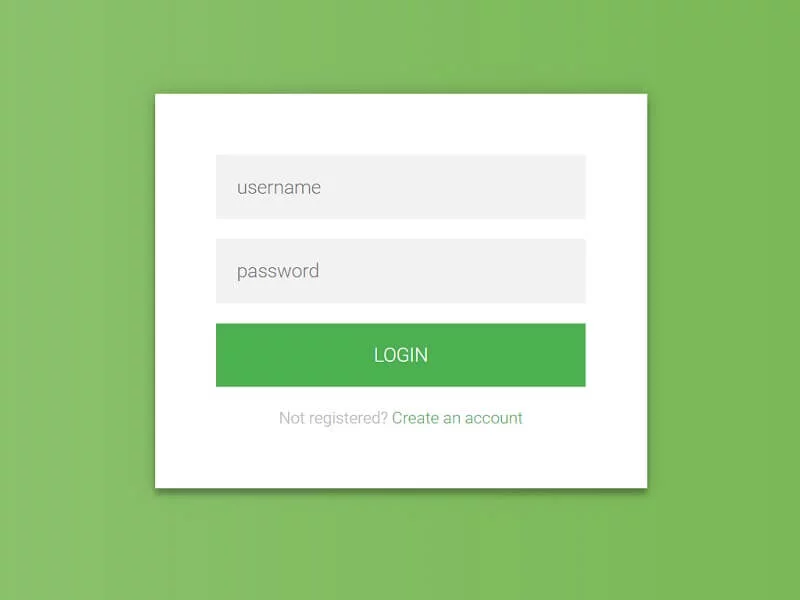
This is a simple HTML/CSS3 login form that also works as a registration form. You can tweak this form further to use it as part of your web app, website, or other project.
Login Form
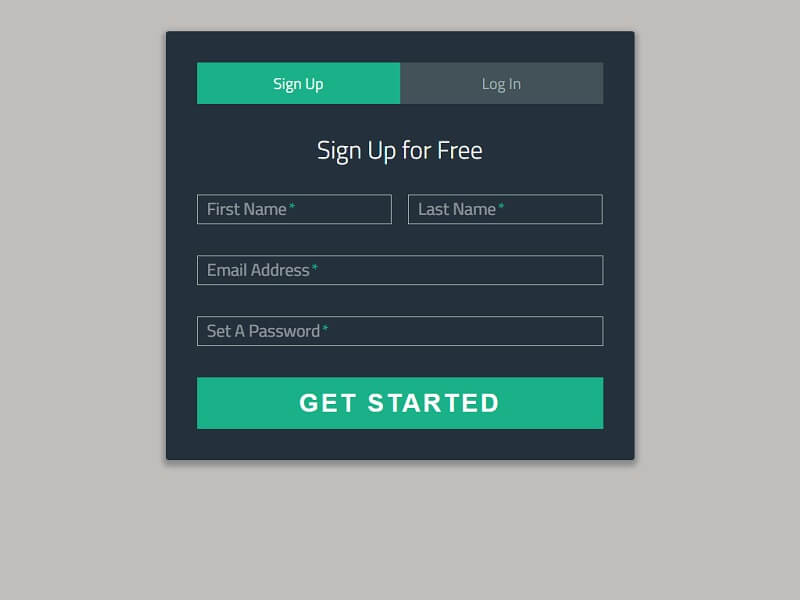
A design for a sign-up/log in using tabs and floating form labels.
Material Login Form
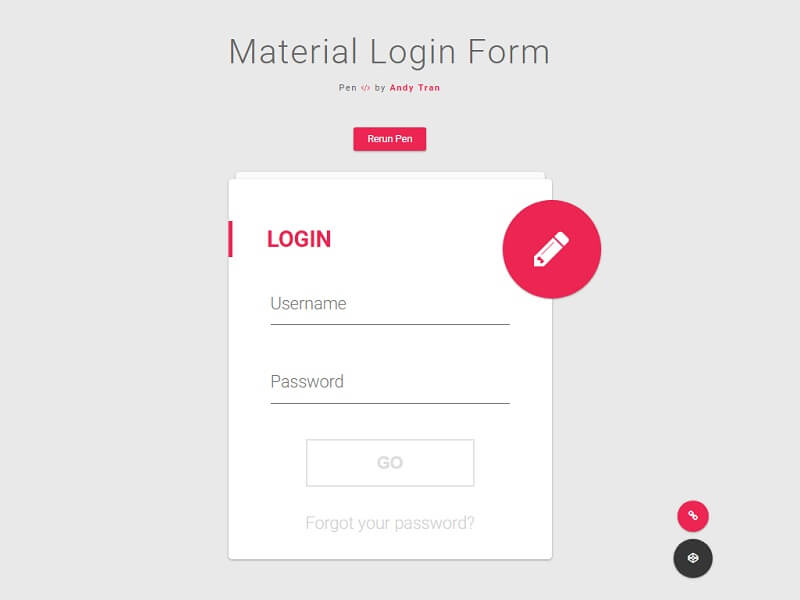
Interactive Material Design Login Form.
Responsive Login Form
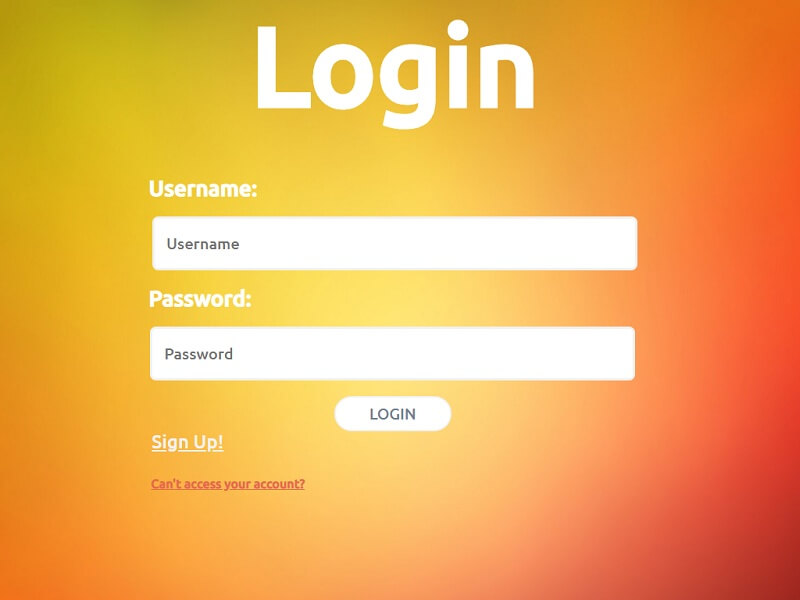
A login form that you can try to a certain extent, of course.
Animated login form
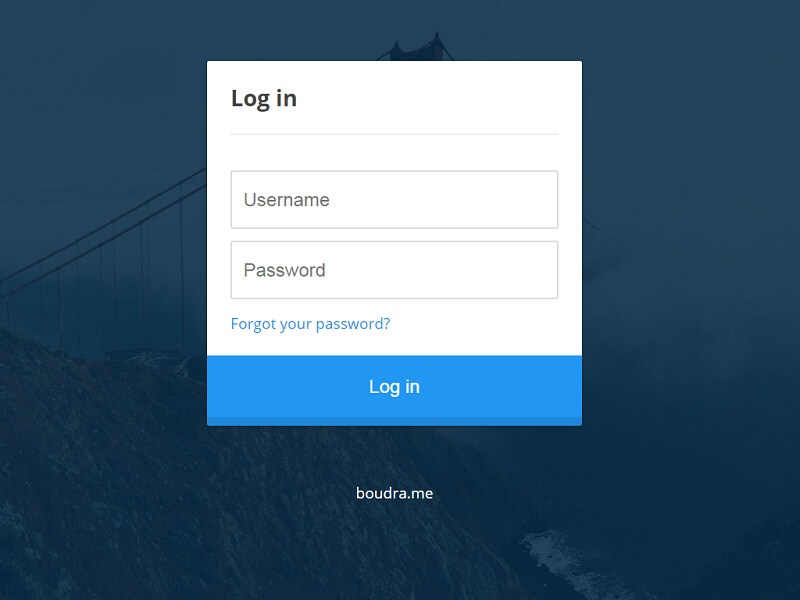
A simple animated login form.
Flat Login Form
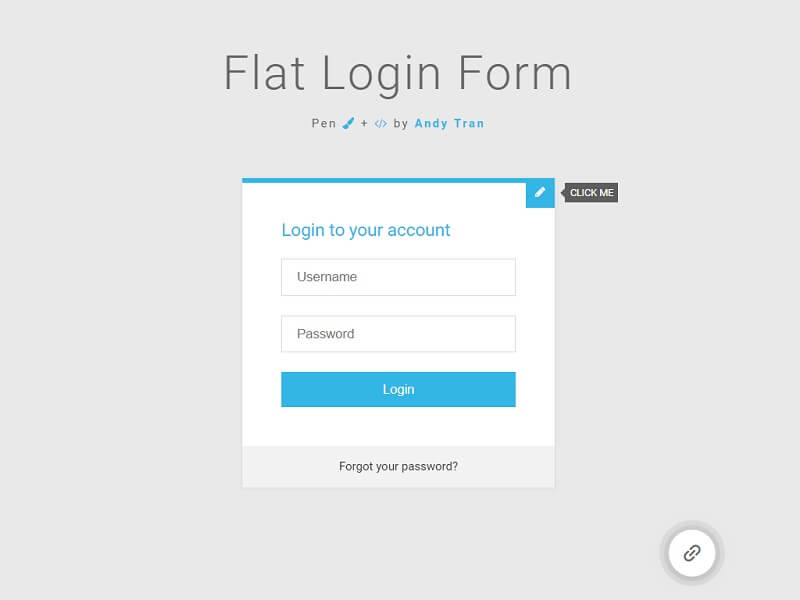
Flat Login Form version 3.0. Everything has been converted to jade and CSS. A lot of properties have been removed, as well as unneeded prefixes.
Facebook login form
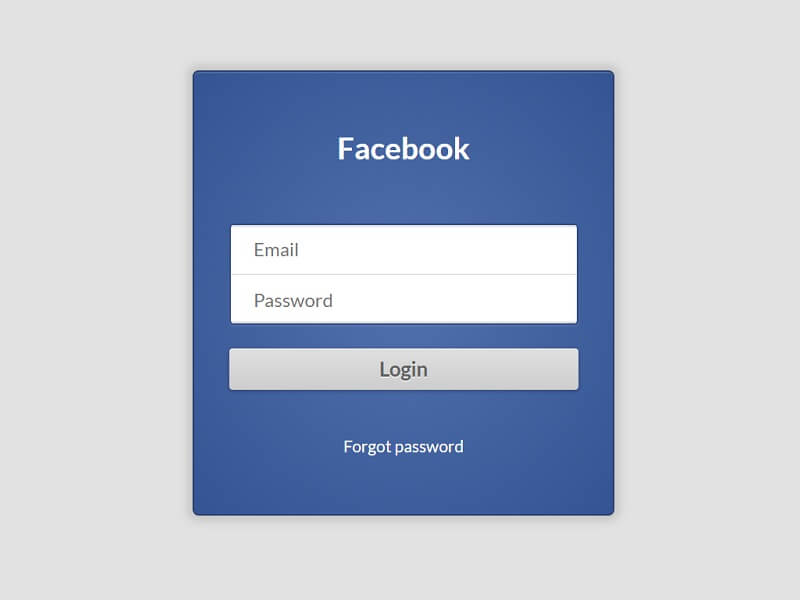
Simple Facebook login form.
Animated Login Form
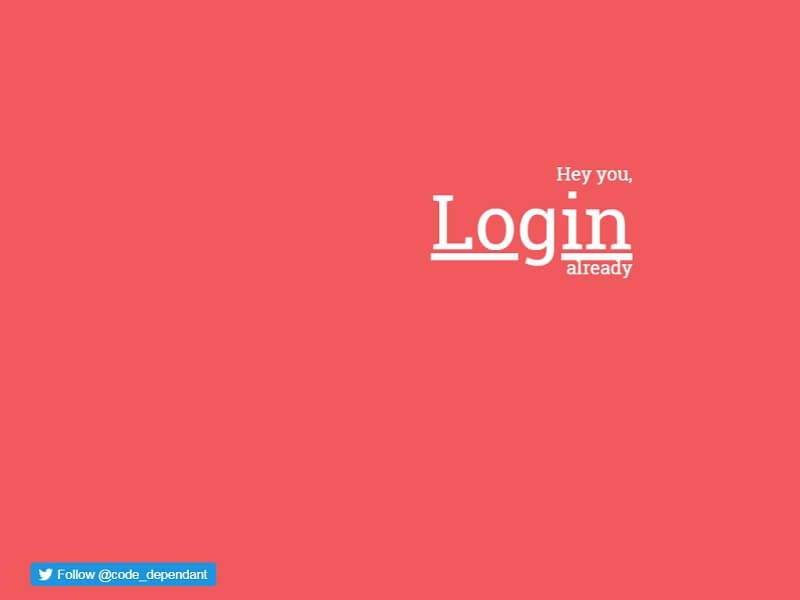
Experimenting with hidden login forms with animated reveals. Hopefully, this is the first of a few.
Random Login Form
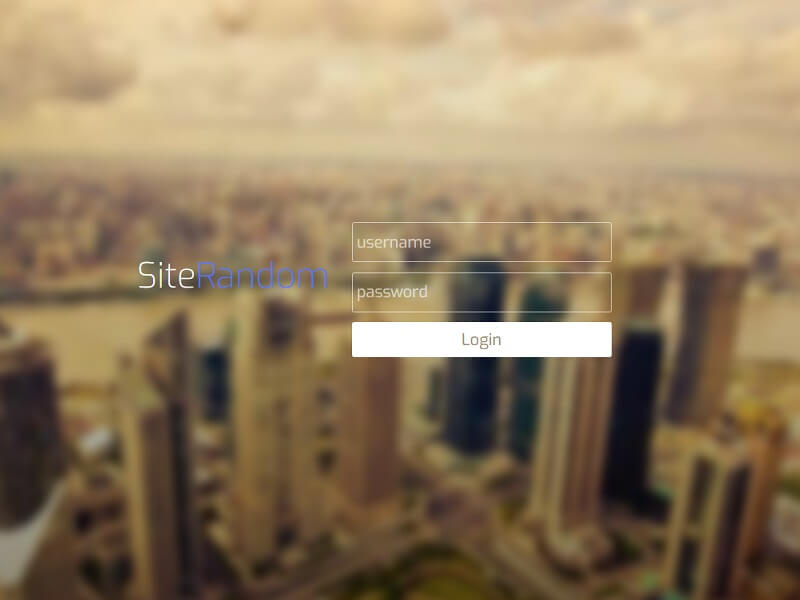
Just playing around with login forms.
Login Form – Modal
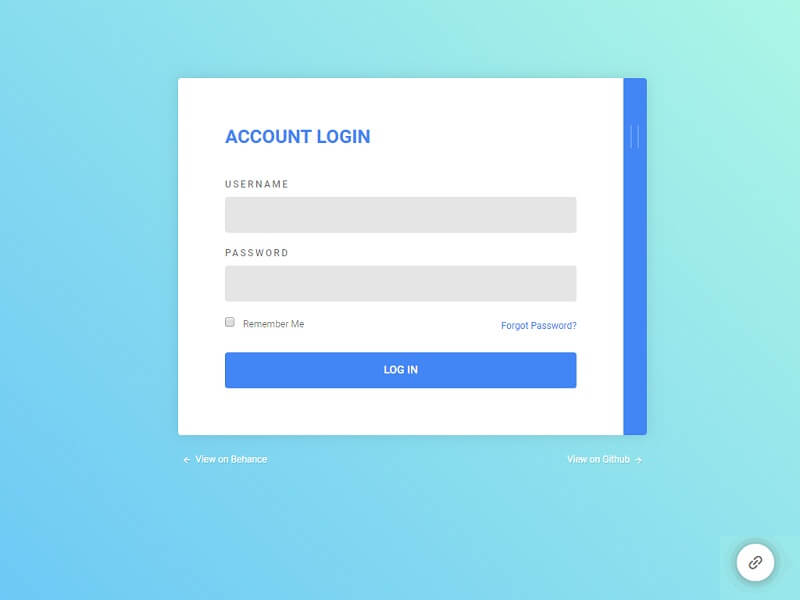
This is a material-inspired login model with 2twopanels.: a login panel and a registration panel, which is hidden by default.
Pure CSS3 Login Form
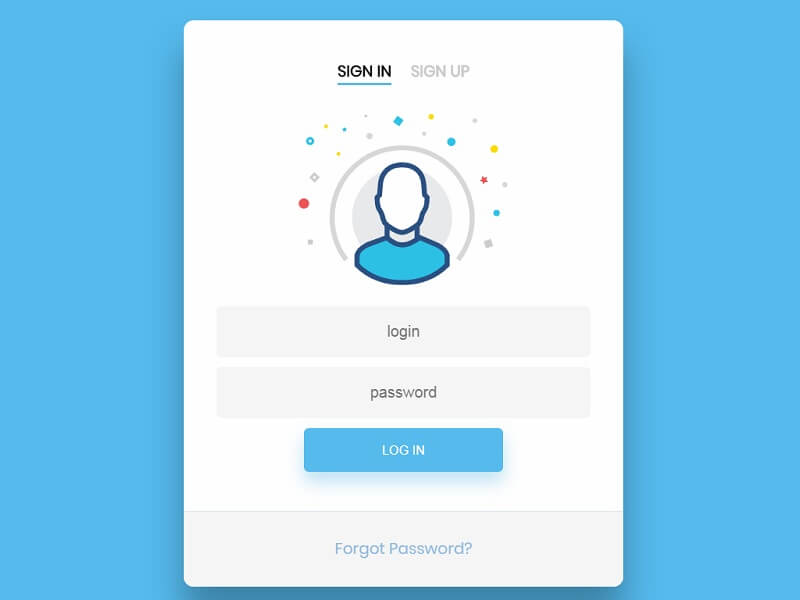
Example of a simple login form with an SVG icon.
Flat Login Form
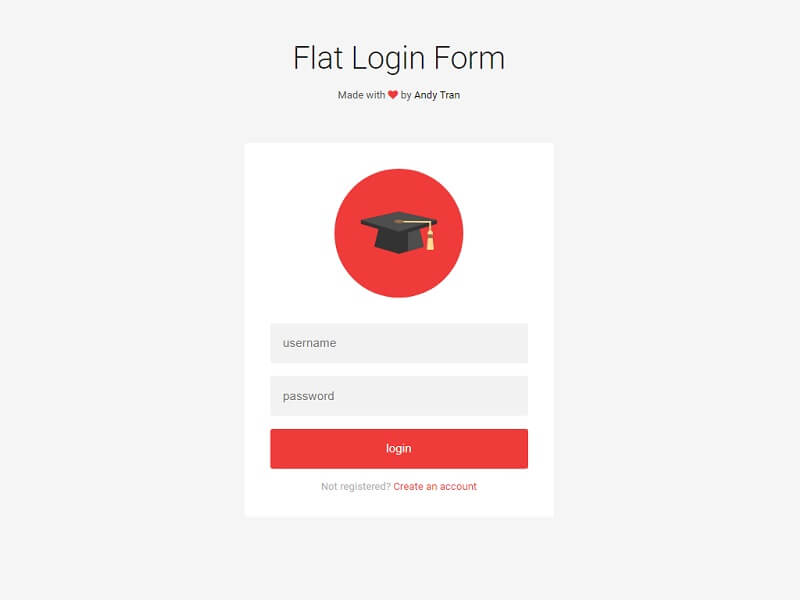
Just a random login form with a video background.
Amazing CSS3 Login Form
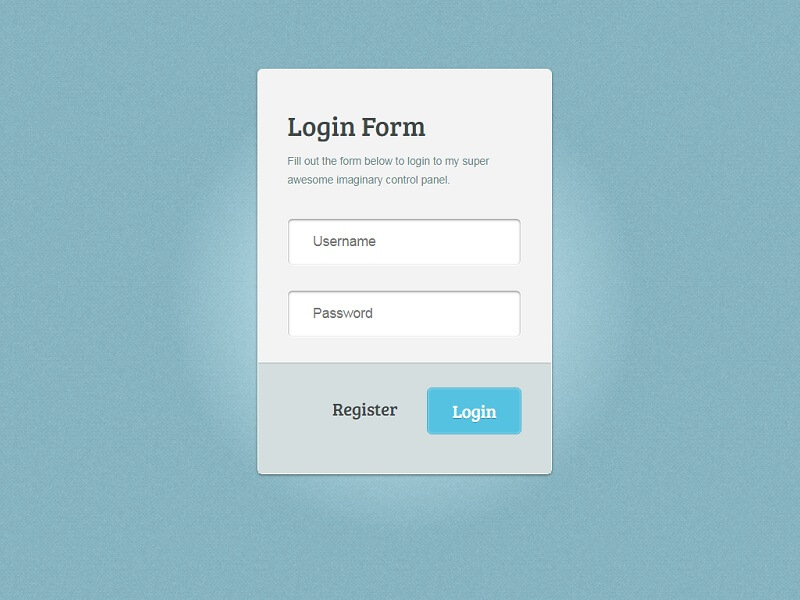
Amazing CSS3 Login Form.
Basic Login Form
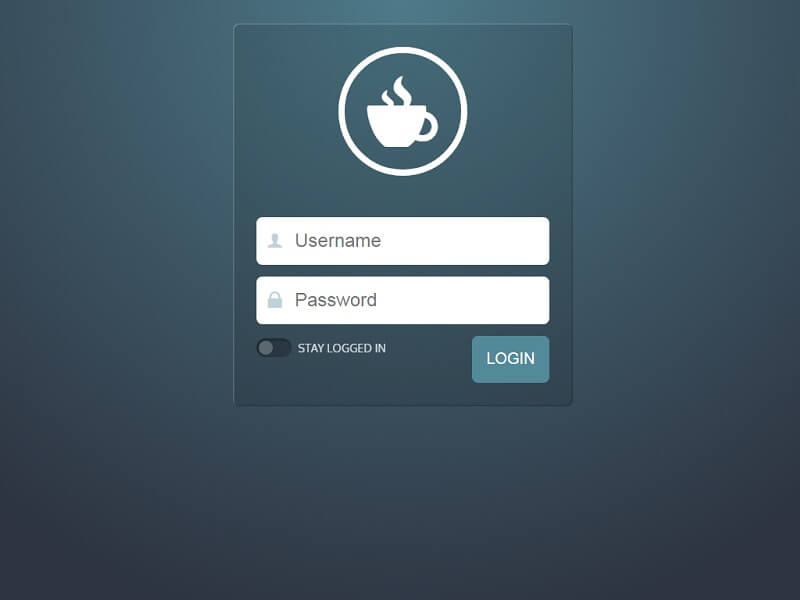
A login form with some snazzy CSS interactions.
Snake highlight
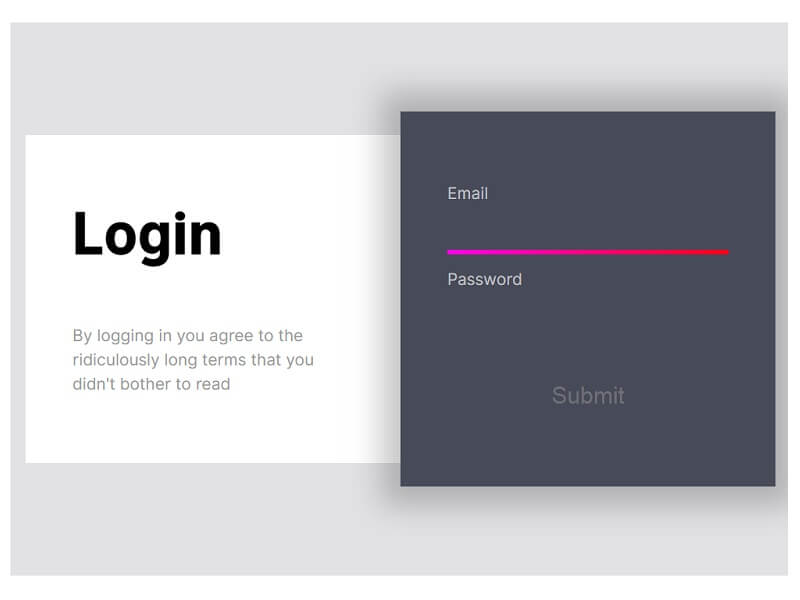
Slithering highlight in a login form.
FAQ’s
What is an HTML5 login form, and why is it important?
An HTML5 login form refers to a web form used to enable users to access their accounts and log in by providing them with login credentials. The reason is that it serves as a defence against unwarranted disclosure of sensitive information. An effective login form can also enhance the user experience and create trust in your site or application.
Are HTML5 login forms responsive on all devices?
Yes, the majority of modern HTML5 login forms are entirely responsive and can be used on all platforms, such as mobile phones, tablets and desktops. They also support various screen sizes and browsers such as Chrome, Firefox, and Safari, thereby providing a uniform user-friendly experience to every visitor to your site.
Can I customise HTML5 login forms for my website?
Yes, HTML5 login forms are very versatile and can be easily adapted with the help of CSS and JavaScript. Colours, layouts, animations and input styles can be customised to fit your website design. This flexibility assists you in developing a distinctive and expert login interface that strengthens your brand image.
Do HTML5 login forms improve website security?
Authentication in HTML5 login forms is important in ensuring the security of a website. They can prevent unauthorised access, spam, and data breaches when combined with adequate backend validation, encryption, and the practice of secure coding. This will guarantee the safety and protection of user information at any given time.
Which features make a login form user-friendly?
Simple design and clear input fields, error messages, and rapid loading speed are all part of a user-friendly login form. Usability is enhanced with features such as password visibility toggle, validation and responsive layout. The factors ease the process of logging in, making it less frustrating for users and promoting more activity on your website.
Conclusion
In conclusion, choosing the right HTML5 login form is essential for creating a secure, user-friendly, and professional website. An effective system of logins will not only ensure that your information does not fall into the hands of the wrong person but will also enhance your user experience. The group of these imaginative and responsive login forms provides you with several design choices to suit your web design and performance. Simple layouts, animated and interactive, all this and more make your site more interesting and modern with each login form.
These are simple to use, easy to configure, and compatible with all major browsers, making them suitable for any project. Incorporating a clean and effective login form helps build user trust and ensures smooth access to your site. It can also complement broader strategies, such as using different video types to promote your business, to enhance user engagement. Overall, the right login design improves your website’s appearance, boosts interaction, and supports the growth of your online presence.