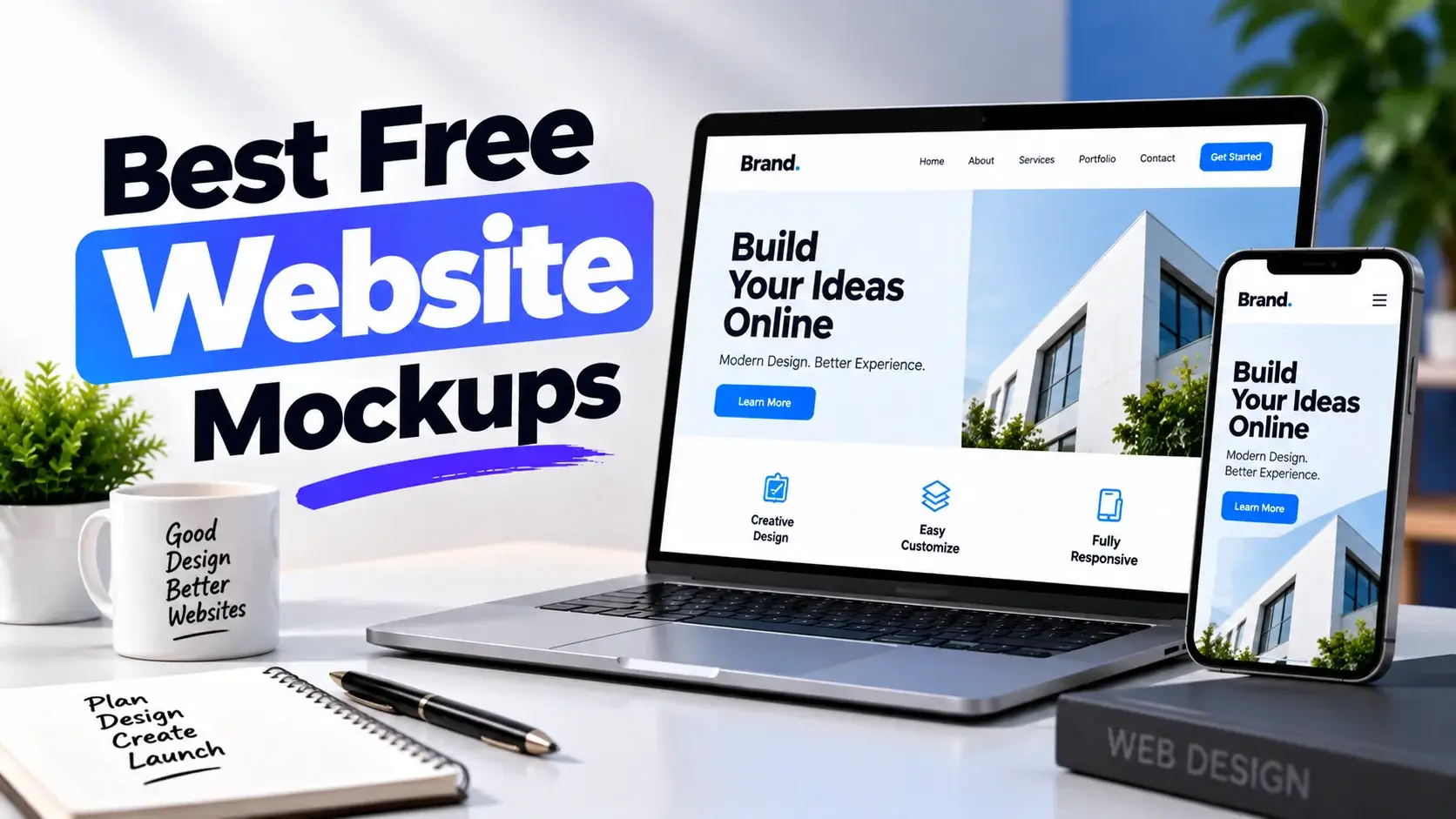
Making a website mockup is a great way to show your projects before development begins. Website mockups help everyone—web designers, UI/UX designers, freelancers, agencies, and developers. They show your vision with realistic and eye-catching designs.
Mockups for website designs show:
- Landing pages
- Business sites
- eCommerce
- Responsive layouts
- App interfaces
Website mockups offer realistic demos. They show clients a clear view of the final product, not screenshots.
In this collection, you can find some of the best free website mockups in Photoshop PSD file format.
The free website mockups have several features:
- Smart object layering
- HD resolution
- Responsive device display
- Customizable elements
Website mockups can help you share your projects. They work for WordPress themes, HTML templates, SaaS products, blogs, and mobile-first designs.
Perspective Website

This HD mockup shows three detailed display sizes in an isometric view. You can fully customize the background. This free mockup site helps you show off your website designs confidently.
| Feature | Details |
|---|---|
| Mockup Type | Perspective Website Mockup PSD |
| Resolution | High-Resolution PSD File |
| Smart Object Support | Yes, easy website screenshot replacement |
| Editable Elements | Background, Shadows, and Presentation Effects |
| Best For | Website Showcases, UI/UX Design Presentations, Portfolio Displays, and Client Projects |
Perspective Website

This is a new PSD mockup that displays your website design in a perspective and modern style. It is suitable for presentation and showcase. You can add a project via smart layers, and the background color can also be changed.
| Feature | Details |
|---|---|
| Mockup Type | Perspective Website PSD Mockup |
| Format | Layered PSD File |
| Smart Object Support | Yes, easy website screenshot replacement |
| Customization | Editable design elements and background |
| Best For | Website Design Presentation, UI/UX Portfolio, Client Showcase, Landing Page Preview |
Perspective Web Design

Show your client the stunning web design created with this simple perspective PSD mockup. It will look great with any design style. The PSD file has layers and smart objects, making it easy to add designs. You can also change the background color.
| Feature | Benefit |
|---|---|
| Perspective View Layout | Creates a realistic and eye-catching website presentation |
| Fully Editable PSD | Customize screens quickly in Photoshop |
| Professional Showcase Style | Improves client and portfolio presentations |
| High-Quality Design | Delivers a clean and modern visual appearance |
| Easy-to-Use Mockup | Suitable for both beginners and professional designers |
Web Page

A realistic 3D website display mockup shows what your site looks like. It’s great for quick design presentations. The PSD file comes with a Smart Object, so you can replace the mockup quickly.
| Feature | Details |
|---|---|
| Mockup Type | Web Page PSD Mockup |
| Editable PSD File | Fully layered PSD file for easy customization |
| Smart Object Support | Quickly insert website screenshots and designs |
| High-Quality Presentation | Creates realistic and professional website showcases |
| Usage | Ideal for web designers, agencies, portfolios, and client presentations |
Website Layout Design Showcase

A free website layout design showcases mockups for web designers. If you are making a website or are supposed to build one for your client in the future, you must give them all the clues. You don’t need to be vague to confuse him. Add the website’s layout to this mockup. It’s ready to show him.
| Feature | Details |
|---|---|
| Mockup Type | Website Layout Design Showcase Mockup PSD |
| File Format | Layered PSD File |
| Smart Object Support | Yes, easy website design insertion through smart objects |
| License | Free for Personal and Commercial Use |
| Best For | Website Presentations, UI/UX Design Showcases, Client Proposals, Portfolio Projects |
Professional Website Hero Images

This is one of the best free website mockups. This is a beautifully designed free mockup for professional website hero images. It meets all your presentation needs. This free mockup includes many movable items.
You’ll find:
- a magazine
- a ringed writing pad
- a ruler
- thumb pins
- a flower pot
- an envelope
- a pen holder
- a compass
- glasses
- a paper clip
- a stapler
- a measuring tape
| Feature | Details |
|---|---|
| Mockup Type | Website Hero Images Mockup Scene PSD |
| Smart Object Support | Yes, easily insert website designs using smart objects |
| Editable Elements | Text, shadows, lighting effects, and movable objects can be customized |
| Layer Organization | Each object is placed in a separate folder for easy editing |
| Best For | Website Hero Headers, Landing Pages, Portfolio Showcases, and Web Design Presentations |
Website

This website mockup is 4000px x 3000px. It can be used easily with smart objects. Feel free to use it in your projects.
| Feature | Details |
|---|---|
| Mockup Type | Website Screen Presentation Mockup PSD |
| Design Style | Clean, Modern, and Professional Website Showcase |
| Editable Layers | Fully Editable PSD with Smart Object Support |
| Resolution | High-Quality Presentation for Portfolio and Client Projects |
| Best For | Website Design Presentation, UI/UX Showcase, Landing Pages, and Web Design Portfolios |
Isometric Perspective Website

This free Isometric Perspective Mockup showcases your website and application design. This mockup will help you get great results.
| Feature | Details |
|---|---|
| Mockup Style | Modern Isometric Perspective Display Mockup |
| File Format | Fully Editable PSD File |
| Smart Object Support | Yes, easy drag-and-drop design placement |
| Resolution | High-Resolution Professional Presentation Quality |
| Best For | Website Designs, UI/UX Projects, Landing Pages, App Screens, and Portfolio Showcases |
Responsive Website

A stunning, free, responsive website mockup highlights your web projects. It adds a natural touch. Green leaves make the presentation more attractive and elegant.
| Feature | Details |
|---|---|
| Device Compatibility | Includes iPhone, iPad, and MacBook mockups for showcasing responsive website designs across multiple screen sizes. |
| High Resolution | Ultra-high-resolution PSD file that delivers sharp and professional presentations. |
| Smart Object Layers | Easily insert website, app, UI/UX, or landing page designs using smart object technology. |
| Organized PSD Structure | All devices are grouped in separate folders, making customization fast and beginner-friendly. |
| Best Use Cases | Responsive web design presentations, app showcases, portfolio displays, client proposals, and digital marketing projects. |
Showcase Website Header

This is a simple PSD screen web showcase. It supports both desktop and mobile devices for displaying your designs.
| Feature | Details |
|---|---|
| Showcase Elements | Desktop Monitor, Mobile Device, and Coffee Mug Scene |
| File Format | Layered PSD File |
| Smart Object Support | Yes, easily replace screen designs using smart layers |
| Design Style | Clean, Minimalist, and Professional Presentation |
| Best For | Website Designs, UI/UX Projects, App Screens, Portfolio Presentations, and Client Showcases |
Frequently Asked Questions
1. What are free website mockups, and how can they improve web design presentations?
A free website mockup is a PSD template. It helps designers show their website screenshots in a real-world setting. This makes presentations more engaging. A professional, eye-catching design grabs attention and helps clients better understand website concepts. Using mockups can enhance communication and speed up project approval. This applies whether you’re showing a business site design or a site with free WordPress client plugins.
2. Can I customize website mockup PSD files to showcase websites, landing pages, and UI/UX designs?
Yes, most web design templates include object layers. This feature lets users easily import images. You can bring in website screenshots, landing pages, dashboards, and UI/UX designs. You can change the background, shadows, colors, and more to fit your brand. This flexibility lets you show off your projects uniquely and professionally.
3. What features should a professional website mockup include in 2026?
Professional PSD mock-ups should include:
- High-resolution PSDs
- Support for smart objects
- Device displays
- Editable backgrounds
- Layered designs
- Realistic perspective effects
- Commercial use permissions
4. Why do web designers and agencies use website mockups for portfolios, marketing, and client presentations?
Mockups for websites let designers show their work professionally before creating the site.
Agencies can use them to:
- Show website concepts
- Communicate better with clients
- Create case studies
- Promote their services
Additionally, mockups make designers’ portfolios more attractive.
5. Where can I download high-quality free website mockups for personal and commercial design projects?
You can find quality free web designs on trusted sites. They offer PSD files in Smart Object format and allow for layer editing. These designs work for both commercial and personal use.
They’re great for:
- portfolios
- agency projects
- client presentations
- website designs
- marketing materials
Conclusion
Free Website Mockups have become a vital component in the web design process today. These mockups let designers turn regular screenshots into polished presentations. This helps impress clients, boost portfolio standards, and showcase design skills effectively.
This free collection of website mockups features various designs.
You will see:
- Perspective mockups
- Device mockups
- Isometric mockups
- Hero images
- Professional website mockups
Using smart object layers in these mockups helps you make high-resolution Photoshop files easily.
No matter your project—website, eCommerce site, SaaS dashboard, landing page, mobile app, or WordPress theme—you’ll discover a fitting free mockup.