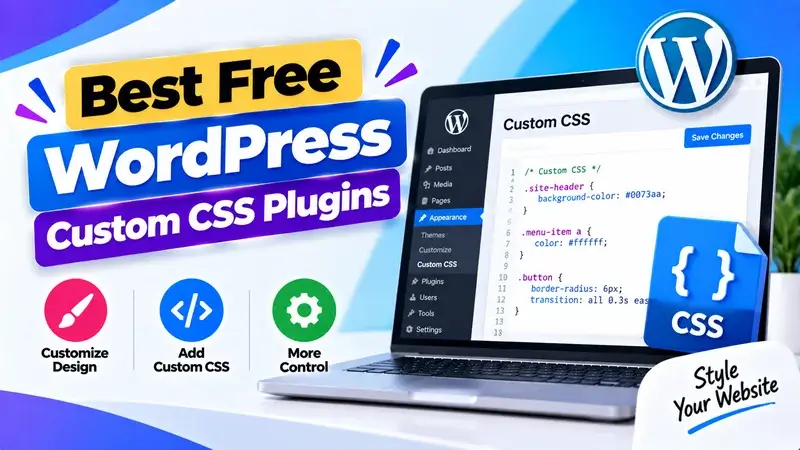
Hey, are you looking for the best free WordPress custom CSS plugins? If so, then keep reading.
In this blog, I’ve listed the top free WordPress custom CSS plugins. You can use these to change how your WordPress site looks by adding custom CSS.
These plugins let you add custom CSS and JavaScript easily. You don’t need to change your plugins or WordPress theme files.
So, without wasting more time, let’s start.
1. Simple Custom CSS And JS
Simple Custom CSS and JS is a powerful and popular custom CSS plugin for WordPress websites. This plugin helps you change your website’s look. You can easily add custom JavaScript and CSS code.
With the help of this plugin, you can easily add custom CSS to your website. This plugin offers many important features. It includes a powerful text editor with syntax highlighting. You can add various codes easily. This plugin protects your header and footer updates and customisations. So, you can switch themes without worry. Plus, it has many more capabilities.
2. Simple Custom CSS
If you want a strong, user-friendly custom CSS plugin for your WordPress sites, try this one. This plugin lets you customize your WordPress site easily. You can add custom CSS code to make it your own.
This plugin offers great features. It has a beautiful, easy-to-use interface (UI). It supports PHP 7.2 and uses a WP native code mirror on settings pages.
The Simple Custom CSS plugin includes a code syntax highlighter. This helps you write code more effectively.
3. WP Coder

WP Coder is also an easy-to-use custom CSS plugin for WordPress websites. With the help of this plugin, you can easily add CSS and HTML code to your WordPress website.
This plugin lets you tailor your website to fit your style and design needs. It is super easy to use. This plugin provides lots of important features, such as connecting with third-party libraries.
FAQ’s
What are WordPress custom CSS plugins, and how do they work?
Custom CSS WordPress plugins let you add and manage CSS code easily. You won’t need to change theme files. They assist in customizing the design, layout, and styling of your website safely. These plugins keep your changes in a separate location. So, your customizations stay safe when you update your theme or plugins.
Why should I use a custom CSS plugin instead of editing theme files?
A custom CSS plugin is also safer since changes made with it would not be lost when the theme is updated. It also minimizes the chances of breaking your website. You can use them easily to write and test code without changing core files.
Can beginners use custom CSS plugins easily?
Most custom CSS products are user-friendly. They come with easy dashboards and code editors. You can easily make changes in the design even with a simple knowledge of CSS. Some plugins offer syntax highlighting. This helps you write and maintain code more efficiently.
What kind of changes can I make using custom CSS plugins?
You can use custom CSS plugins to adjust colors, fonts, layouts, spacing, and buttons. They allow you to control the look and feel of your site without changing its core structure. This flexibility lets you craft a unique, professional design. It aligns with your brand and uses tips to enhance your agency’s visibility.
Are free custom CSS plugins enough for website customization?
Yes, free custom CSS plugins can handle most design modifications. They provide important features such as code editing, live preview, and easy integration. This is similar to the Codelobster IDE web language editor. For bigger projects or advanced customization, premium options can help. However, free plugins usually meet most needs.
Conclusion
So, that’s all from this blog. I hope you enjoyed the list of the best free WordPress Custom CSS plugins. If you liked this article, then please share it with your friends and social media followers.